

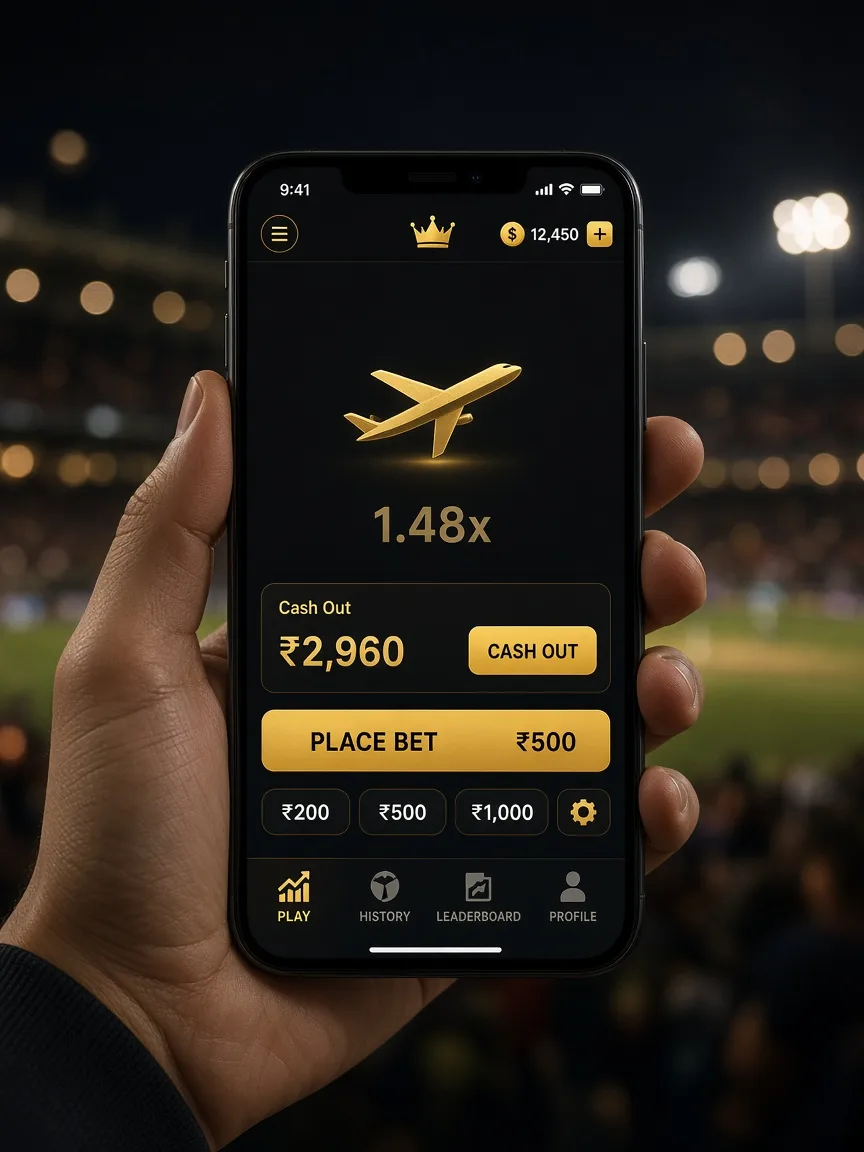
Android home screen
Open crorebe1.in in Chrome. Use the browser menu and choose install, or “Add to Home screen”. The icon is the gold mark. The next time you open it, you get the current pages, because they still come from the site.
iPhone home screen
Open the site in Safari. Tap Share, then Add to Home Screen. iOS often hides the install banner, so the Share step is the one that works. You stay logged in the way Safari keeps the site, on that phone only.
What a phone session should keep
- A switch from Wi-Fi to mobile data without doubling a stake. If a bet looked stuck, check the account log before you send it again.
- A demo that still shows the same play-credit balance after a refresh.
- A cashier that names the method. If a page asks you to scan a personal code sent by chat, close it and mail the desk.
Mobile data use
Crash rounds are light on data. Live video tables aren’t. On a capped plan, stick to the crash and table demos instead of a hosted wheel with a camera. The practice games don’t stream a studio.
What the home screen icon does not include
It opens crorebe1.in. It does not install a second cashier, and it does not carry play credits to your other phone. There is no APK to sideload. If a screen inside the icon asks you to scan someone’s personal UPI because “the company account is down”, close it and mail [email protected].
After you add the icon
Try it on the network you actually play on. A crash demo is usable on a patchy 4G line if you cash out a little early. A hosted wheel is not. The lobby is the same list you get on a laptop, and the cashier is the same UPI flow.